Report a station problem
Tell us about a station that is misbehaving, from the console, with the details we need to find and fix the fault.
Updated 13 Nov 2026
On this page
When a station sounds wrong, will not key, shows the wrong frequency or reports a fault, tell us from the console. The report reaches the people who can look at the station, with your callsign, the station and the time attached, so they can match it to the station's own logs.
Is it the station?
Before you report, try another station if you can. If the same thing happens everywhere, the problem is more likely at your end: see Connection problems and Microphone and audio problems. If only one station misbehaves while the others work, report it.
Send a report
Report while you are connected, or right after, so the details are filled in for you.
- Open Help → Report a Station Problem.
- Check Station. It is filled in with the station you are connected to; change it if needed, or choose No particular station.
- Check Frequency / Mode. It is filled in from your transmit frequency; correct it if the problem was elsewhere.
- Set Time to when the problem happened, in UTC. It starts at the current time.
- Describe the problem under What went wrong?.
- Click Submit.
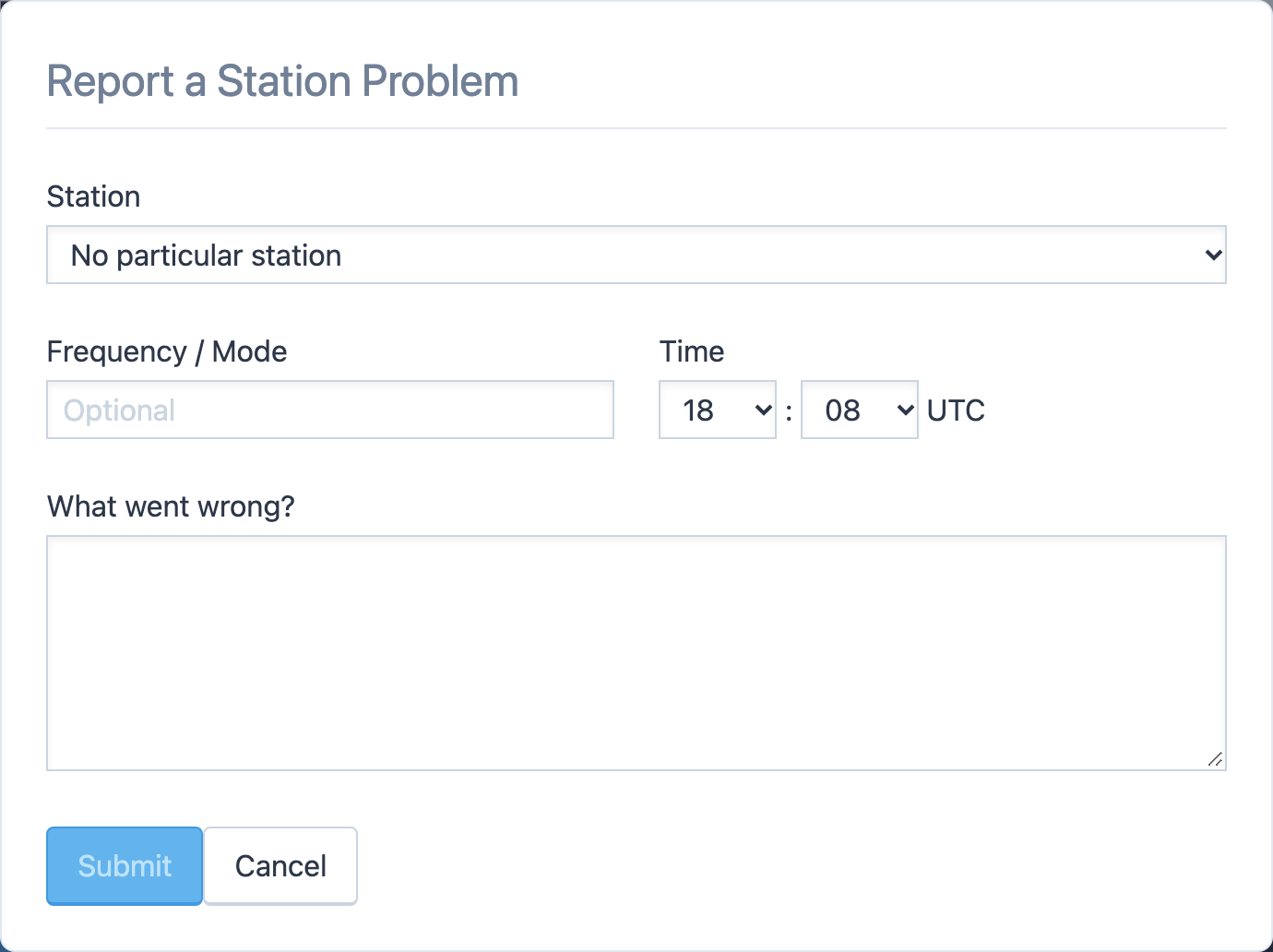
Report Submitted confirms it. If we need more from you, we reply by e-mail.
What makes a good report
- What you did, what you expected, and what you saw or heard instead.
- Which VFO, and which antenna, amplifier or tuner setting, if it matters.
- Whether other stations worked for you at the same time.
- The exact wording of any message the console showed.
Related articles
-
Contact us
Contact us
How to reach RHR with a question, which way to use for what, and what to include so we can help the first time.
-
Troubleshooting
Connection problems
What to do when the console will not connect, keeps reconnecting, or the audio stutters.
-
Operating the console
Amplifiers
Set the amplifier's level, read its power, SWR and temperature, and clear a fault.
Still stuck?
Tell us what you were trying to do and what happened, and we'll help.